

Create an account
Get started in 3 simple stepsStep 1: Create an account
Click Sign up and enter your name, email, and password
Click Sign up and enter your name, email, and password

Confirm your email
Confirm your email

Sign in to open your workspace
Sign in to open your workspace

Step 2: Create your first project
Click New workspace
Click New workspace

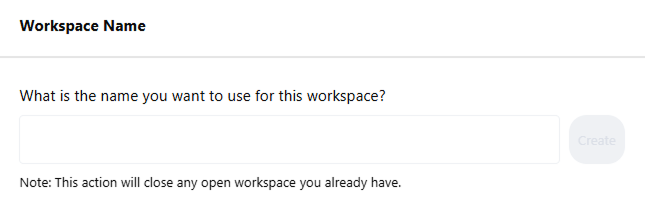
Name your workspace (e.g., Lit Review)
Name your workspace (e.g., Lit Review)

Step 3: Upload files (single or bulk)
Drag & Drop
Drag & Drop
Drag PDFs into the project’s Files area
Add from Semantic Scholar
Add from Semantic Scholar
Open Add references → Semantic Scholar → search, select results, and add (metadata imports automatically)